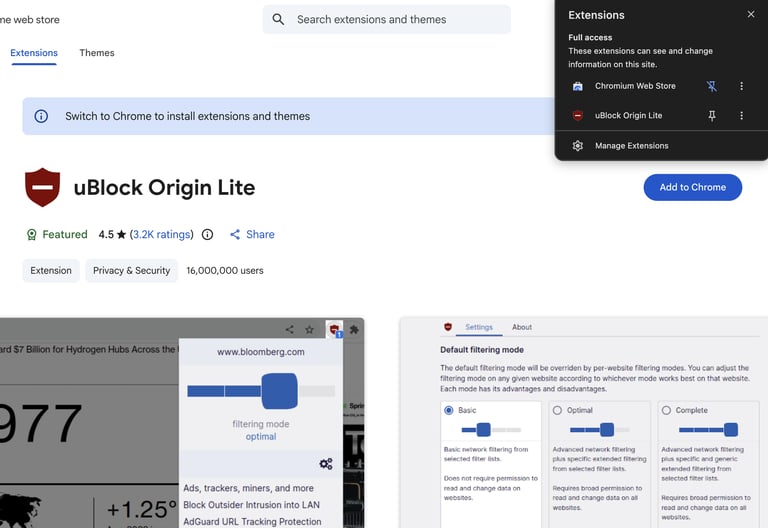
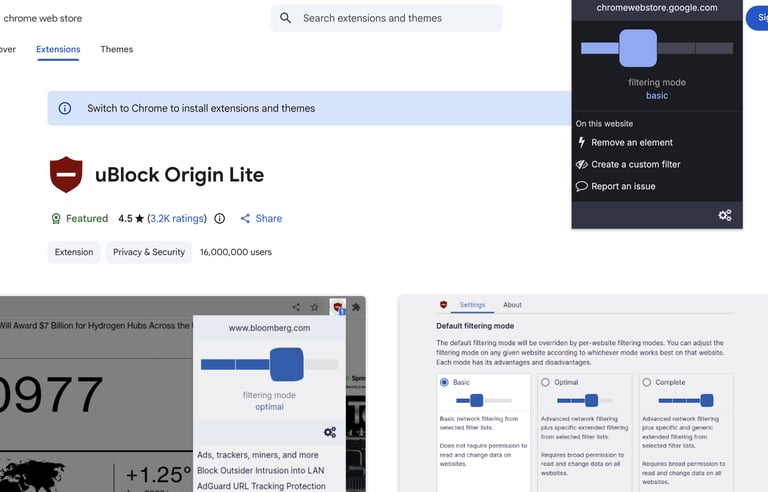
uBlock Origin for Beginners: 2026 Speed & Privacy Guide
Master uBlock Origin today. Stop annoying ads and trackers for a faster, safer browsing experience. Read our authoritative guide to get started now.
The internet in 2026 is faster than ever, but it is also crowded with more trackers and "heavy" ads than at any point in history. If you feel like your web browser is sluggish or your privacy is being invaded, you aren't alone. uBlock Origin is the most powerful, free tool available for users to reclaim their digital space. In this guide, we’ll show you why it’s a must-have and how to set it up with ease.
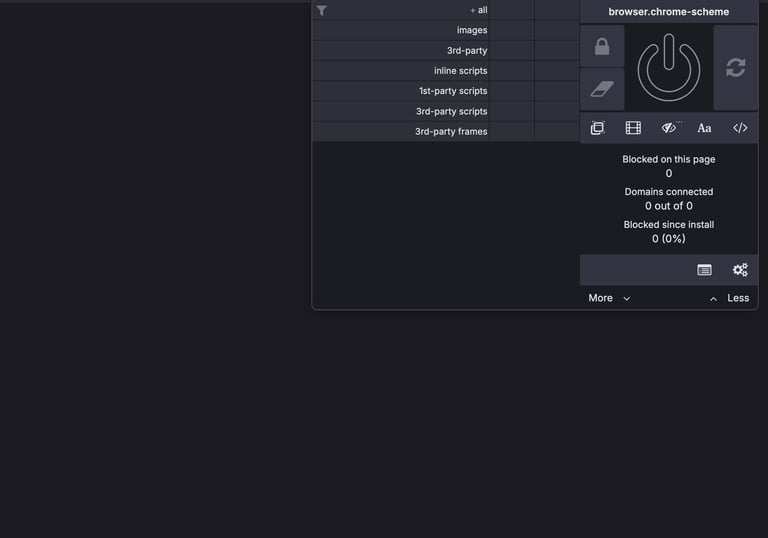
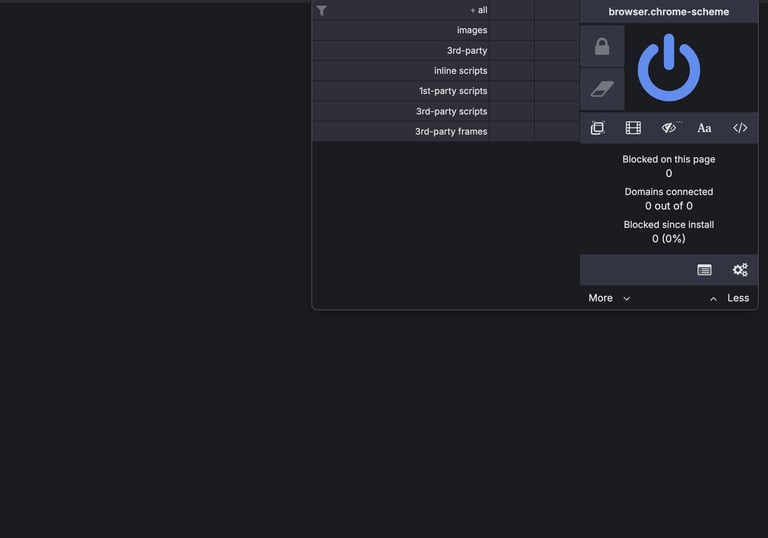
ublock Origin: A Closer Look
Why Everybody Needs a Content Blocker in 2026
Most people think of "ad blockers" as tools that just hide commercials on YouTube. However, uBlock Origin is a "wide-spectrum content blocker." This means it stops the invisible scripts that follow you from site to site. Using a content blocker is no longer just about convenience—it is a vital layer of security for your home network. Watch Undatti's Take What uBlock Origin Can Do For You for more on uBlock Origin.
Key Benefits of uBlock Origin
Ads and trackers are "heavy." They take time to download and process. By preventing them from loading, uBlock Origin can help reduce webpage loading times on many news and social media sites.
1. Instant Speed Boost for Browsing
2. Blocking Invisible Trackers and Malvertising
Security is the top priority for internet users. "Malvertising" occurs when malicious code is hidden inside an advertisement. By blocking the ad, you block the threat before it even reaches your computer.
3. Saving Battery Life and System Resources
If you are on a laptop or an older PC, you’ll notice your fans don't spin as loudly. Because your browser isn't working to render dozens of ads, it uses less CPU power and saves your battery.
Installing uBlock Origin Firefox or Librewolf users:
It's a breeze to get started with uBlock Origin. Here's how.
1. In the address bar of your browser type https://addons.mozilla.org and hit “enter”.
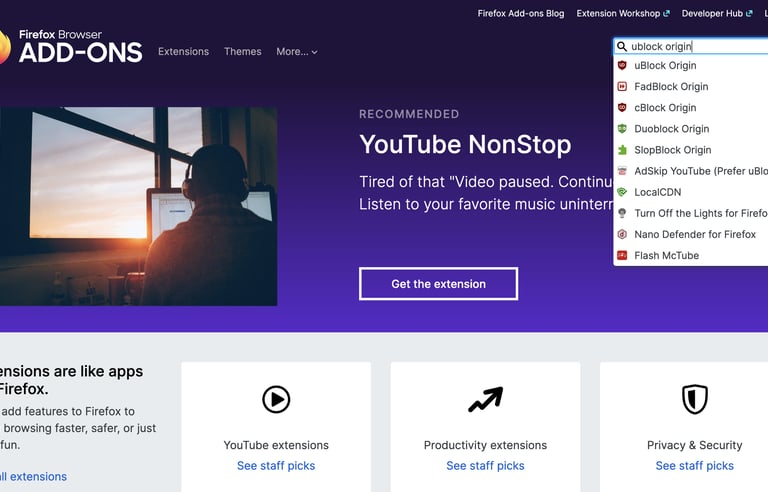
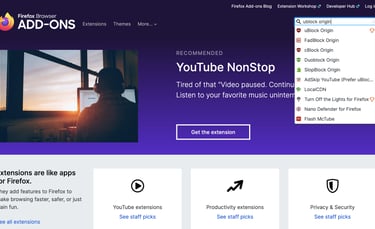
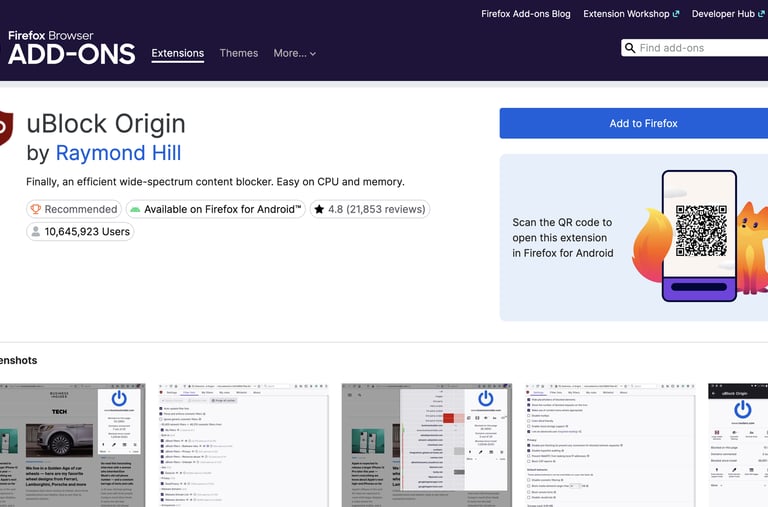
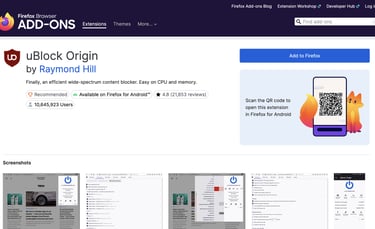
2. You will arrive at the Firefox Browser Add-Ons page. Type "uBlock Origin" in the search box at the top right of this page. When the drop down appears click on “uBlock Origin”. On the next page click "Add to Firefox".
3. Another box will pop-up. On this box only click on “Continue To Installation”.
4. On the next pop-up box click “Add”.
5. On the next pop-up box click “Pin”.
And that’s it. You have successfully installed uBlock Origin on your Firefox or Librewolf browser.

Does it work with Youtube?
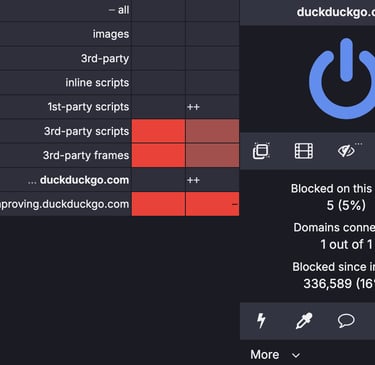
Yes, it is currently one of the most effective ways to watch YouTube without ad interruptions.
Final Thoughts: Reclaim Your Internet
Browsing the web shouldn't feel like a chore. By installing uBlock Origin, you’re making your web browsing experience faster (and probably more enjoyable), quieter, and much more private. Read about Browser Extensions and their benefits and drawbacks. Give it a try today—your computer and your patience will thank you.